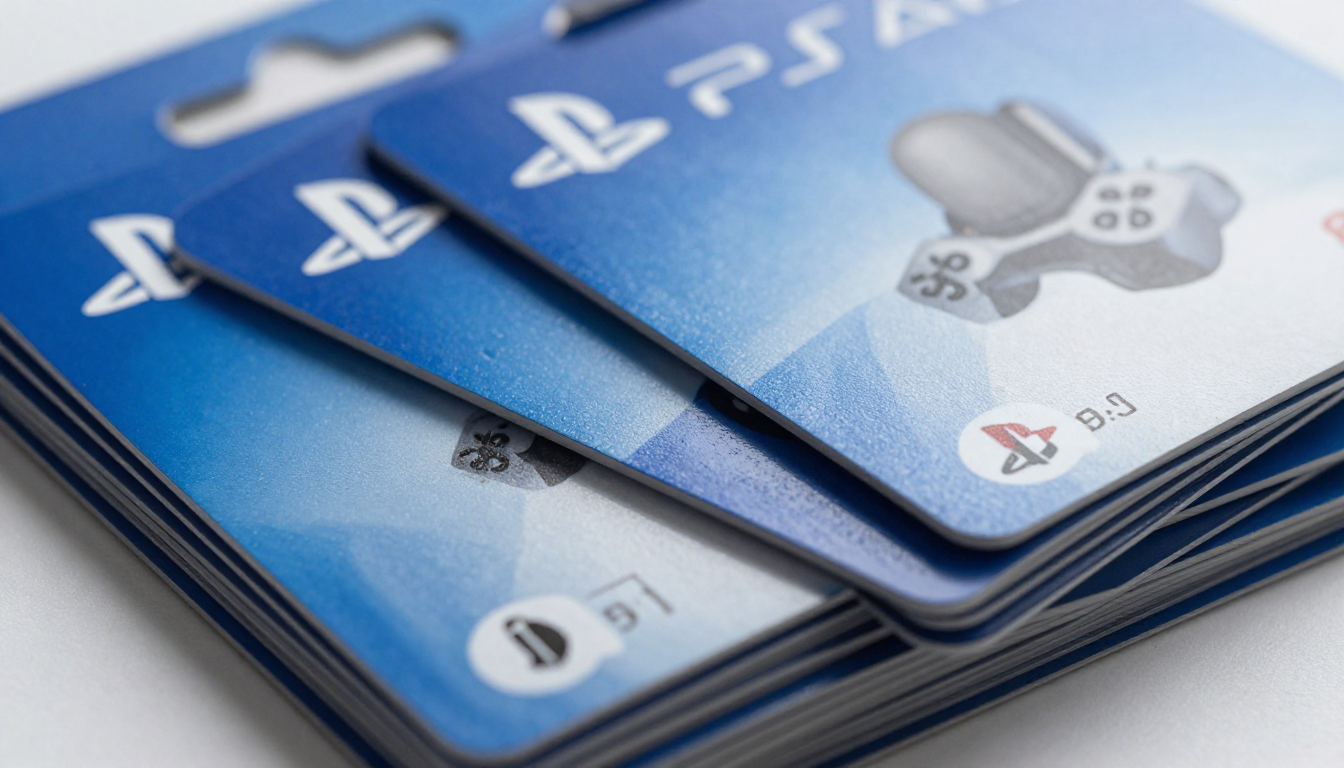
PlayStation Gift Card: The Ultimate Guide for Gamers
Looking for a perfect gift for a gamer? Or want to level up your PlayStation experience? A PlayStation gift card is your answer. These cards are easy to use, safe, and give instant access to games, add-ons, and subscriptions. Whether you’re a beginner or a seasoned player, this guide will help you understand everything about PlayStation gift cards.
From buying tips to redemption, we cover it all. You’ll also discover how these cards can make gaming more fun and stress-free. Plus, we’ll answer your most common questions, so you never feel stuck. By the end, you’ll know why a PlayStation gift card is a must-have for every gamer.
What is a PlayStation Gift Card?
A PlayStation gift card is a prepaid card that adds funds to your PlayStation account. These funds can buy games, movies, DLCs, or even a PlayStation Plus subscription. You don’t need a credit card to use it, making it safe for kids and adults alike.
They come in physical and digital forms. Physical cards are sold in stores, while digital codes can be purchased online. Either way, you get instant access to PlayStation Store content. Think of it as cash for your PlayStation account. It’s a simple, convenient way to enjoy games without worrying about payment methods.
Types of PlayStation Gift Cards
- PlayStation Store Cards: Use these for buying games, themes, or movies.
- PlayStation Plus Cards: Subscribe to PlayStation Plus for multiplayer gaming and free monthly games.
- Special Edition Cards: Sometimes Sony releases limited designs with extra bonuses.
These options make gift cards versatile. You can choose one depending on whether you want to gift someone fun content, subscription perks, or exclusive items.
How to Buy a PlayStation Gift Card
Buying a PlayStation gift card is easy. You can visit local retail stores like Walmart or GameStop, or purchase digital codes online. Digital cards are delivered instantly via email, making them perfect for last-minute gifts.
When buying online, ensure the website is official or trusted. Avoid third-party sellers without verification, as this can risk scams. Check the card’s value before purchasing—common amounts are $10, $25, $50, and $100. Some promotions even offer bonus funds when buying higher denominations.
How to Redeem a PlayStation Gift Card
Redeeming your card is simple:
- Sign in to your PlayStation account.
- Go to PlayStation Store → Redeem Codes.
- Enter the 12-digit code on the card.
- Funds are added instantly to your wallet.
Now, you can spend it on games, subscriptions, or in-game content. Digital codes work the same way but are emailed to you directly, so there’s no need for a physical card.
Benefits of Using a PlayStation Gift Card
- Safe: No credit card needed.
- Easy to Use: Instant access with digital codes.
- Perfect Gift: Suitable for all ages.
- Flexible: Buy games, movies, or subscriptions.
- Budget-Friendly: Control spending with preloaded amounts.
These benefits make PlayStation gift cards not just convenient but also smart for managing gaming expenses. Parents love it because it limits spending, and gamers love it for flexibility.
Where to Buy PlayStation Gift Cards Safely
- Official PlayStation Store (online)
- Retail Chains: Walmart, Target, GameStop
- E-commerce Platforms: Amazon, Best Buy (official sellers only)
Always check for authenticity and avoid deals that seem too good to be true. Fake codes can cause disappointment and wasted money.
PlayStation Gift Card Denominations and Value
Gift cards come in multiple denominations: $10, $20, $25, $50, $100. Choosing the right value depends on your need:
- Casual Gamers: $10-$25 is enough for small add-ons or a game.
- Avid Players: $50-$100 covers bigger game purchases or subscriptions.
Some cards also include bonus points during special promotions, which adds extra value.
Tips for Maximizing Your PlayStation Gift Card
- Buy during sales to get more value.
- Use for PlayStation Plus for monthly free games.
- Track expiration dates to avoid wasted funds.
- Split funds across multiple accounts for family sharing.
Smart usage ensures you get the most out of your card and keep your gaming experience stress-free.
Common Mistakes to Avoid
- Buying from unverified sources.
- Losing the code without redeeming it.
- Forgetting to check card value.
- Using expired cards.
Avoiding these mistakes protects your investment and ensures uninterrupted gaming fun.
PlayStation Gift Card vs. Credit Card Payments
Gift cards are safer than using credit cards online. No risk of exposing your personal information, and you can control spending. Credit cards may be convenient but can lead to overspending or fraud. For kids and teens, gift cards are the safest choice.
FAQ Section
1. Can I use a PlayStation gift card internationally?
No, cards are region-locked. Use it only in the country where it was purchased.
2. How long does it take to redeem?
Instantly. Digital codes work immediately, while physical cards require code entry.
3. Can I combine multiple gift cards?
Yes, multiple cards can be added to one wallet.
4. Can I buy in-game currency with it?
Absolutely! Cards can purchase in-game content, skins, and expansions.
5. Are there age restrictions?
No, but some content in PlayStation Store is age-restricted.
6. Can I get a refund if I lose my card?
No, treat it like cash. Always redeem immediately to avoid loss.
Conclusion
A PlayStation gift card is more than a simple gift—it’s a key to endless entertainment. Safe, flexible, and easy to use, it’s perfect for all gamers. Whether you’re buying for yourself, a friend, or a child, it opens doors to amazing games and content.
So, pick the right denomination, redeem it safely, and enjoy the full PlayStation experience. It’s the smart, stress-free way to game!